Color Blind Simulator
Drag the divider to compare. Pick a type and its strength, or upload your own photo, chart or design: nothing leaves your browser.
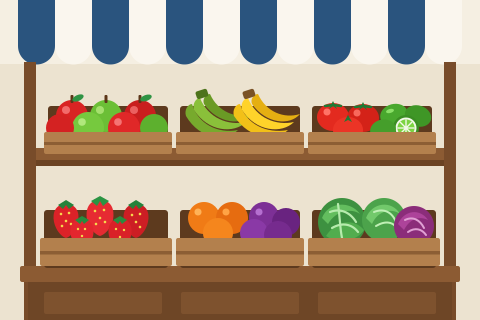
Four everyday scenes, four types
Red-green types (deutan, protan) merge reds, greens, oranges and browns; tritan merges blues with greens and yellows with pinks; achromatopsia sees lightness only.
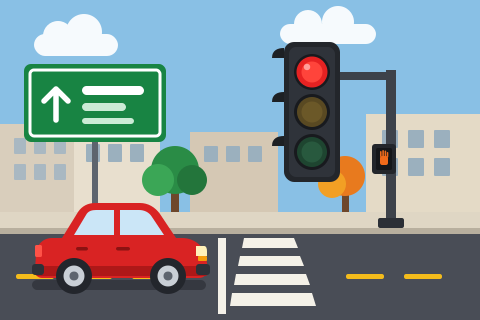
Traffic light
Ripe or not
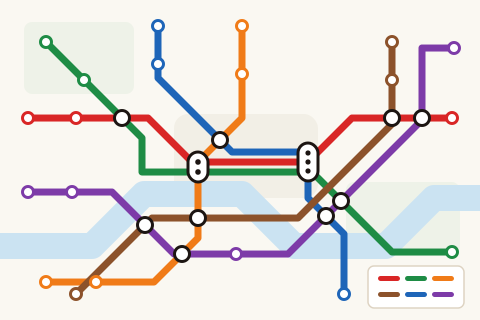
A transit map
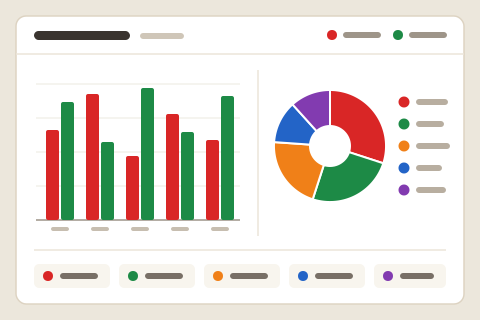
A chart legend
The filter: colours moved where colour-blind eyes can see them
Filter mode (daltonize) takes the colour difference a deficient eye loses and adds it to the channels it still sees: lost red-green contrast turns into lightness and blue-yellow contrast.
Who it is for: a colour-blind viewer reading a chart, a map or a game. The filtered image looks odd to typical eyes and clearer to theirs. Open the filter
Strength matters: deuteranomaly at 40–60% matches most mild cases; full strength fits -opia types.
Same idea as colorblind modes in games and on phones (Android and iOS colour filters), which apply a fixed correction matrix.
Each type in detail
Questions
How accurate is a colour blind simulator?
It uses the Machado (2009) model, built from cone measurements: good for red-green and blue-yellow types and for how strong the effect is. Each person's cones differ, so it shows the typical case.
Can I simulate my own photos?
Yes: Upload an image. The filter runs in your browser on the picture you choose; nothing is uploaded to a server.
How do I make a design colour-blind friendly?
Never use colour alone for meaning: add labels, patterns or shapes. Check the design in deutan and protan here; pairs like red/green and blue/purple need a second cue.